Device Name
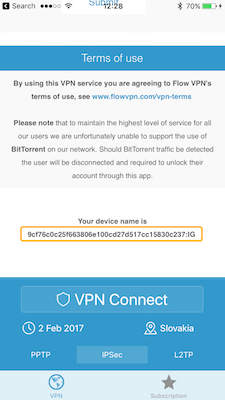
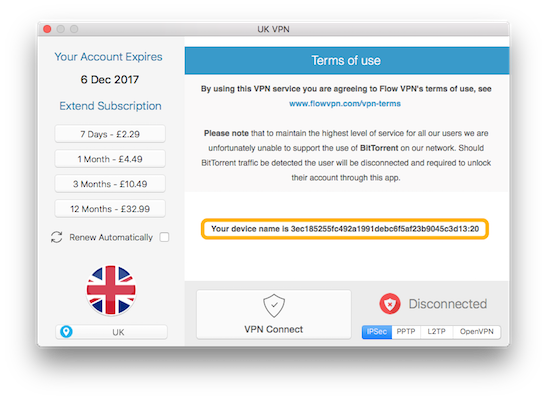
The Device Name is a unique code that helps us identify your device and find your account information. It is displayed at the bottom of the main screen of the app, just scroll down to see it.
Please send us the Device Name by copying it and pasting it into an email or support request or send us a screenshot. To copy on an iPhone / iPad just hold your finger on the Device Name and select Copy, then to paste it into an email hold your finger where your would like to paste it and select Paste. To copy the text on a Mac please select the text using the mouse and then right click and select Copy.
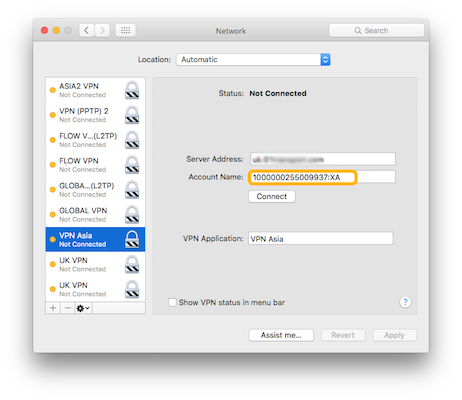
On a Mac you can also see the Device Name by opening System Preferences, select Network and then select the VPN Connection. The Device Name is in the Account Name box. Sending us this will help us find your account.