
A completely rebuilt app with a modern interface, FlowVPN’s premium global network and new firewall-busting protocols for difficult connections. Beta feedback: accounts+beta@flowvpn.com Five reasons to upgrade Faster to use, easier to control and ready for demanding networks. FlowTCP, TLS HTTPS and TLS SMTP, with TLS header spoofing, help FlowVPN connect on networks where ordinary VPN traffic is restricted. A clean, responsive interface with one-click connection, live status and simple protocol switching. Country flags and live latency results make it easy to find a fast global connection. Our most requested feature is now available for Windows. Route selected destinations outside the VPN while keeping everything else protected. Automatic retries, reconnection and continuous connection monitoring improve reliability. Designed for Windows Connect in one click, compare server latency and open advanced routing controls only when you need them. Available now Upgrade from the legacy app and take FlowVPN’s secure global network further. Feedback: accounts+beta@flowvpn.comThe new FlowVPN for Windows is here.
Premium connectivity.
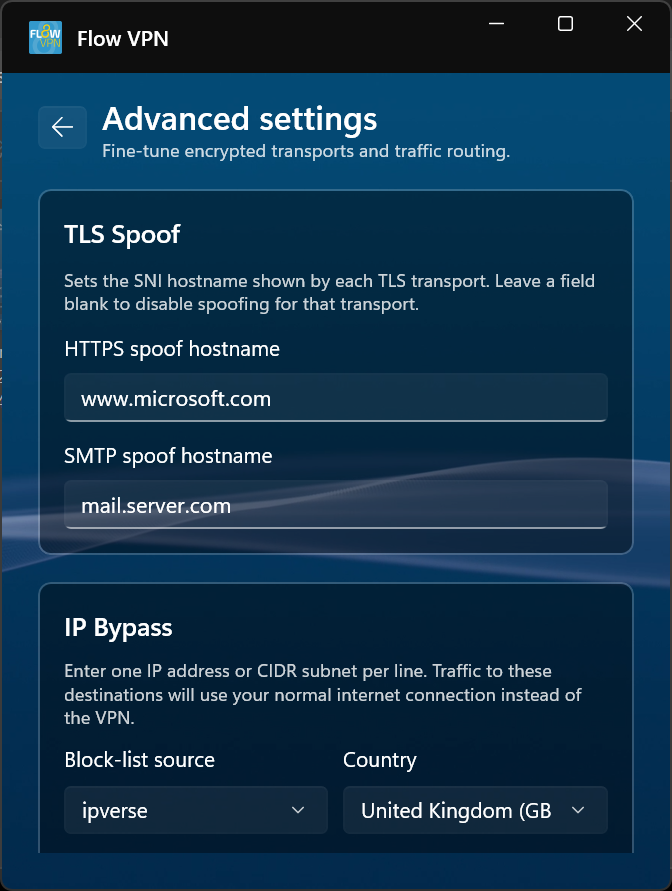
Firewall-busting protocols
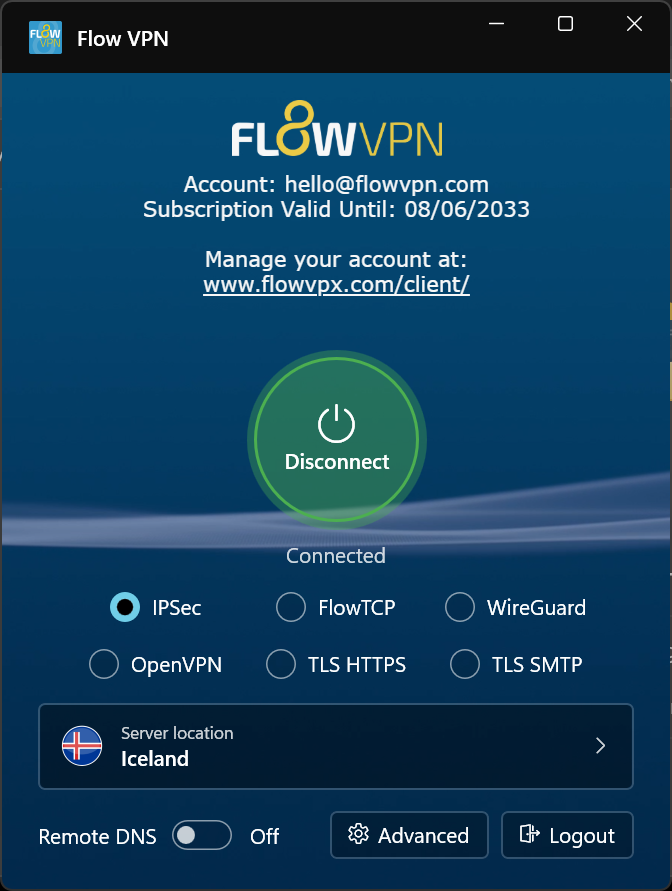
A completely new Windows app
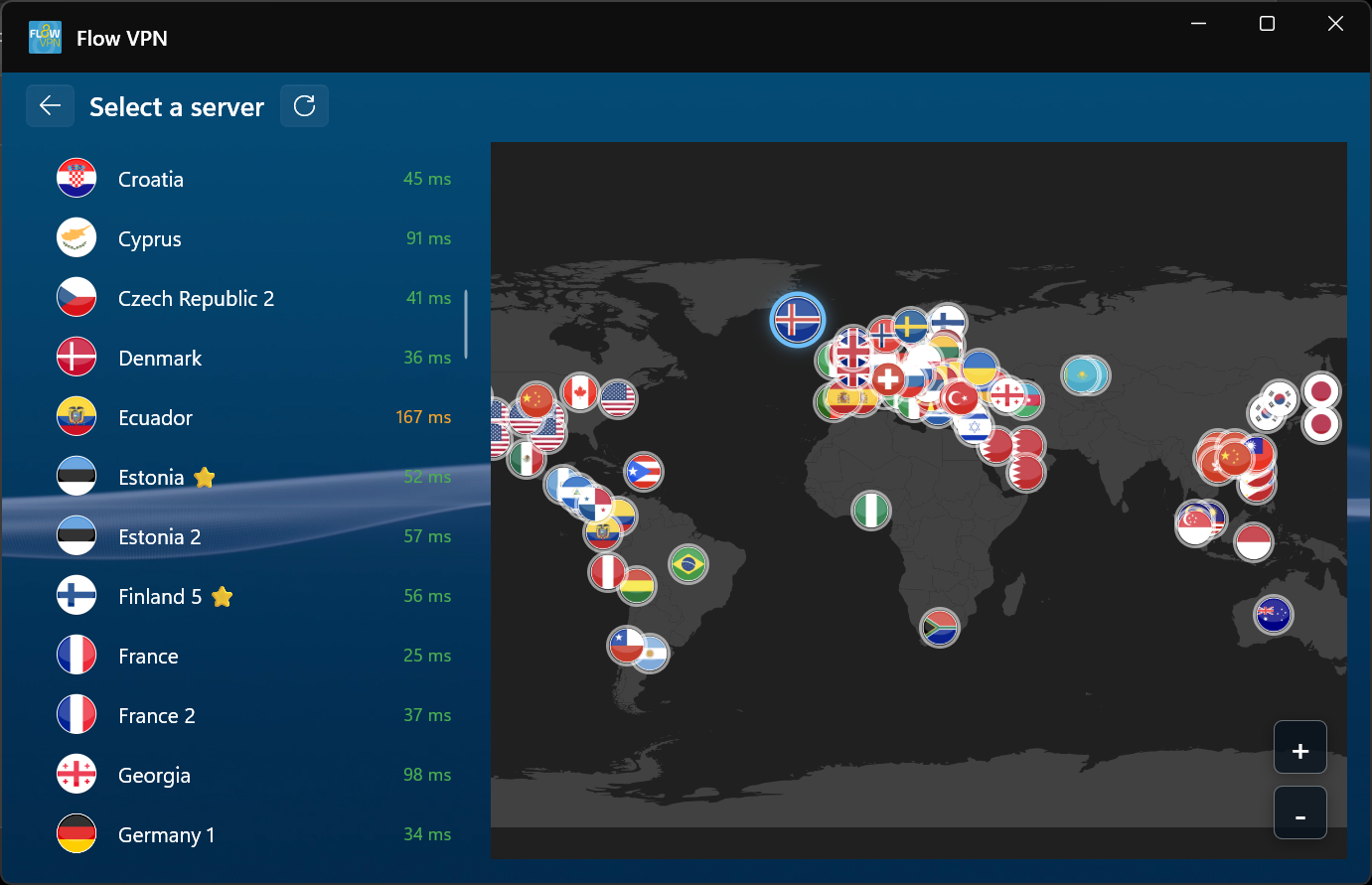
Smarter server selection
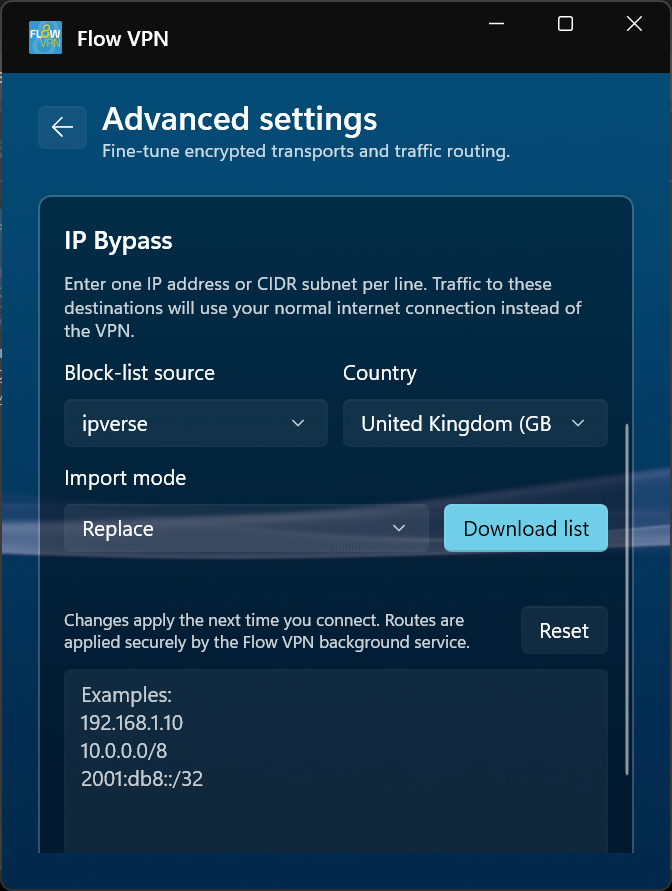
Split Tunnelling
Built to stay connected
Simple on the surface. Powerful underneath.
Download the new FlowVPN for Windows.
Introducing the new FlowVPN for Windows
TCP01
UI02
MS03
DNS04
AUTO05
Go to downloads